Works on the device you already own
One TVNado subscription, streaming across every major platform — setup guides included for each.
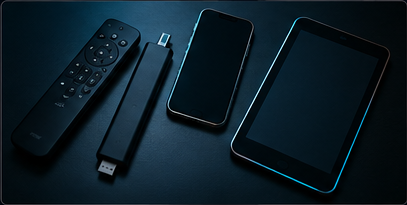

Amazon Firestick / Fire TV
Install via Downloader app in under 5 minutes.
Android Box / Phone
Direct APK install or Google Play compatible players.
Smart TV (Samsung / LG)
Native app support with no extra hardware needed.
iOS (iPhone / iPad)
Works with leading IPTV player apps from the App Store.
Windows / Mac
Stream via VLC, IPTV Smarters or any M3U-compatible player.
MAG Box
Full Xtream Codes / Stalker portal compatibility.
How TVNado setup works, device by device
On Firestick and Android boxes, setup means sideloading a small IPTV player app (we recommend one in your welcome instructions), then entering your TVNado credentials or M3U URL once — the app remembers it after that. On Smart TVs, most models support a native app directly from the store, so there's no sideloading step at all.
iOS, Windows and Mac users connect through a player app of their choice (several free options exist) using the same credentials. MAG box users enter the portal URL provided in their welcome email, and the box handles the rest automatically.
Every welcome email includes device-specific instructions, and support can screen-share or walk through setup live over WhatsApp if you'd rather not do it solo.
Setup help included
Every subscription includes step-by-step setup instructions for your device, plus live WhatsApp support if you get stuck.
Test On Your Device