From signup to streaming in minutes
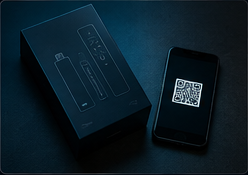
Choose a plan
Pick Standard or Premium, your term length, and how many connections you need.
Get instant credentials
Your login details and setup link arrive by email within minutes of checkout.
Install a player app
Add your credentials to any M3U or Xtream Codes compatible app on your device.
Start watching
Browse the guide, save favorites, and stream live TV or VOD immediately.
How long does each step actually take?
Choosing a plan takes as long as you want it to — most people compare Standard and Premium on the plans page in under two minutes. Checkout is instant, and credentials typically arrive by email within minutes, not hours.
Installing a player app and entering credentials is the only manual step, and it's a one-time setup per device — on Firestick and Android it usually takes 3 to 5 minutes total, and on Smart TVs with a native app it can be under a minute. After that, TVNado remembers your login and opens straight into the guide every time.